
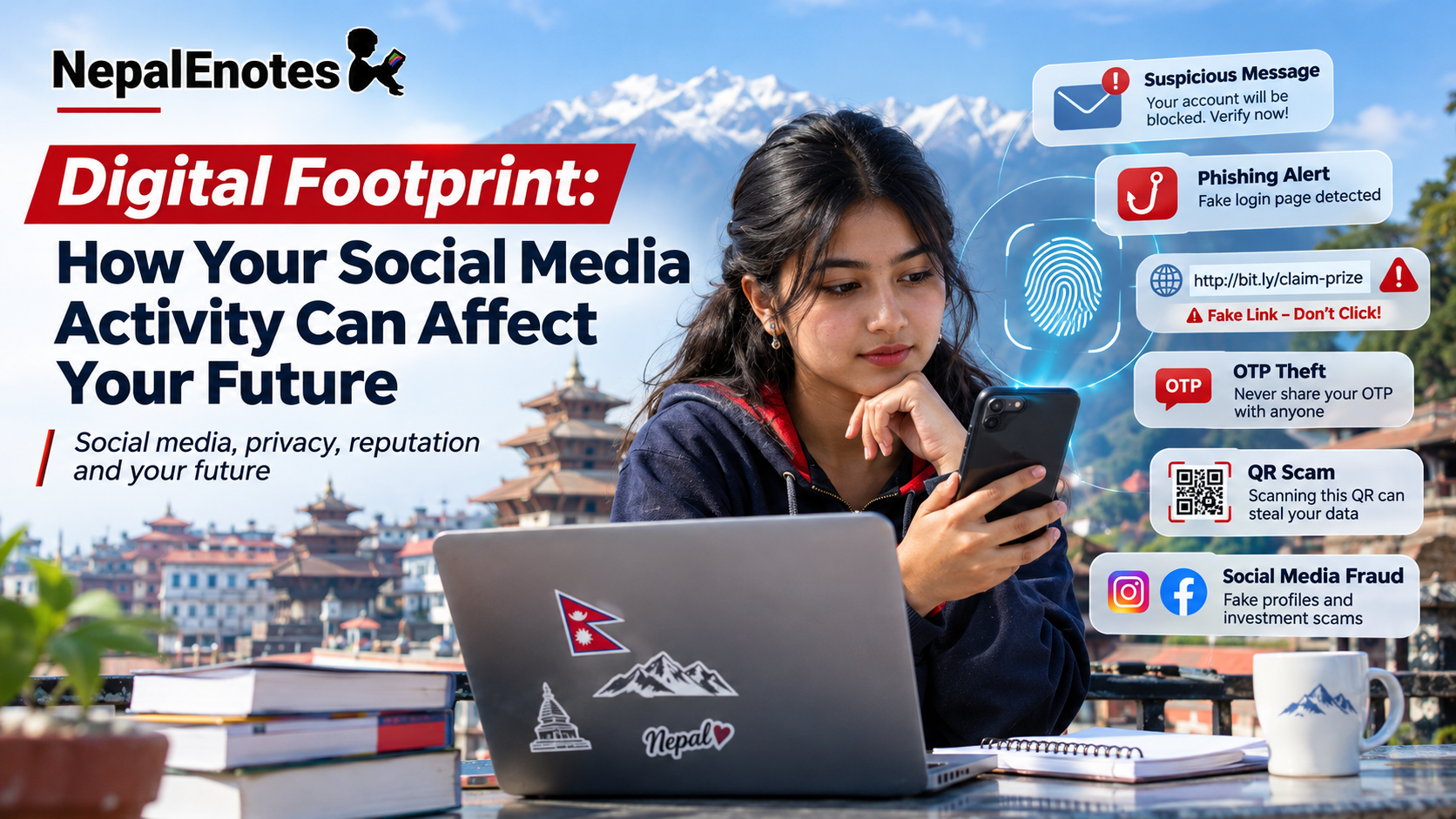
Digital Footprint: How Your Social Media Activity Can Affect Your Future
Every post, comment, like, tag, search and shared photo can contribute to your online trail. Learn what a digital footprint is, how it may influence opportunities, privacy and reputation, and how students can build a safer and more positive online presence.
📑 In this article:
What is a digital footprint? · Why it matters in Nepal · How it can affect your future · What not to share · Build a positive footprint · 15-minute audit · Privacy in Nepal · Clean up your footprint · FAQs · Mini quiz · Sources
You apply for an internship, scholarship or college opportunity.
The person reviewing your application searches your name online and finds a public account full of insulting comments, copied misinformation or an embarrassing post you made years ago.
Would you want that content to represent who you are today?
Your online activity can become part of your reputation. That does not mean students should be afraid to use social media. It means you should understand what you leave behind and make deliberate choices about what should remain public, private or unposted.
Before you post, ask: “Would I be comfortable if a teacher, parent, future employer or admissions officer saw this?”

What is a digital footprint?
A digital footprint is the trail of information connected to your activity online. It can include information you intentionally publish as well as information created or collected while you use websites, apps and connected devices.
Active digital footprint
This is information you deliberately share online, such as:
- Social-media posts
- Photos and videos
- Comments
- Likes and reactions
- Forum posts
- Public profile information
- Reviews
Passive digital footprint
This can include data produced or collected when you use digital services, such as:
- Browsing activity
- Cookies
- Device information
- Location information
- App activity
- Website analytics
- Service logs
Deleting something from your account may reduce its visibility, but it does not guarantee that every copy disappears.
Screenshots, shares, downloaded copies and archived versions may still exist.
Why digital footprints matter more in Nepal now
Nepal is increasingly connected. DataReportal’s Digital 2026: Nepal report, based on late-2025 data, estimated approximately 16.6 million internet users and 14.8 million social-media user identities in Nepal.
The social-media figure represents user identities rather than a verified count of unique individuals, but it still demonstrates how central digital platforms have become to communication, education, entertainment and professional life.
Estimated in Nepal at the end of 2025.
Estimated for Nepal in late 2025.
Reported by LinkedIn’s advertising resources for Nepal in late 2025.
These figures are digital-platform and advertising estimates, not a census of unique individuals.
How can social-media activity affect future opportunities?
1. Jobs and internships
Social media is increasingly used as part of recruiting, professional networking and candidate discovery.
Public content may create an impression before you even attend an interview.
A professional profile, project portfolio or useful public contribution may help. Abusive, dishonest or reckless public content may create doubts.
2. College and university opportunities
There is no strong public evidence that every Nepali university routinely reviews applicants’ social accounts.
However, international research shows that some admissions officers do look at publicly available social-media profiles.
The practical lesson is simple: information you make public can potentially be seen by decision-makers.
3. Scholarships and leadership
Your public online identity may influence informal impressions when you apply for scholarships, clubs, competitions, volunteering or student leadership roles.
4. Personal reputation
Classmates, teachers, relatives, customers, colleagues and collaborators may encounter your public posts.
A joke intended for friends can look very different to someone who does not know the context.
5. Privacy and security
Oversharing can give scammers useful information for phishing, impersonation, password guessing and fake accounts.
6. Search results
Old profiles, comments, tagged photos and public posts can collectively tell a story about you.
That story can also be positive if it shows your projects, achievements, creativity and skills.

Things students should think twice before posting publicly
Not every personal detail is dangerous by itself. Risk increases when several pieces of information can be combined to identify, locate, impersonate or target you.
Do not expose document numbers, QR codes, signatures or complete identity information.
Avoid publicly announcing where you live, when you are alone or when your home is empty.
Think carefully before publishing private contact details where anyone can copy them.
These may contain registration numbers, birth dates, school information and other personal details.
Never expose passwords, PINs, OTPs or recovery codes.
Ask before posting private chats, personal photos or confidential details about another person.
Pause before posting something threatening, humiliating or abusive.
Birthdays, pet names and favourite things may be useful to people trying to guess security answers.
How to build a positive digital footprint
A good digital footprint is not about pretending to be perfect. It is about making sure your public presence reflects your interests, abilities and values.
Post useful work such as science projects, coding, writing, design, art or school activities.
Keep your best work organized in one place for future opportunities.
Older students can use LinkedIn, GitHub, Behance or a portfolio website depending on their interests.
Disagreement is normal. Harassment, threats and humiliation are not.
Do not present copied writing, images or ideas as your own.
Check the original source and publication date before reposting dramatic claims.
A 15-minute digital footprint audit
Search your name
Search your full name, common username and public email address. Look at normal search results as well as image results.
Check profiles while logged out
See what a stranger can view on Facebook, Instagram, TikTok, YouTube, LinkedIn, public gaming accounts and old forums.
Review old posts and tags
Delete or archive content you no longer want public and remove unnecessary tags.
Review privacy settings
Check who can see your posts, contact you, tag you and search for your profile.
Check app permissions
Remove apps you no longer use and review access to location, contacts, microphone, camera and files.
Secure important accounts
Use strong, unique passwords and enable two-factor or multi-factor authentication wherever possible.
🕶️ Does Incognito Mode erase your digital footprint?
No.
Incognito Mode mainly limits browsing information stored locally on your device after the session.
Websites, internet service providers, schools, employers or other network operators may still be able to observe activity. Incognito Mode does not make you anonymous online.
Your privacy also has legal protection
Nepal’s Privacy Act, 2075 (2018) recognizes privacy rights relating to personal information and electronic communications.
The Act protects personal information held in electronic media and restricts unauthorized access or disclosure.
Personal information may include details such as addresses, telephone numbers, email addresses and official identity-document information.
Nepal’s Electronic Transactions Act also includes provisions concerning unauthorized access to computer information and certain forms of electronic misuse.
This article provides general educational information and is not legal advice. Laws, procedures and interpretations can change, so serious cases should be checked against current official guidance.
What if something harmful is already online?
Delete or archive content you control
Remove the original post, comment, profile information or media where possible.
Ask for removal
If another person posted your private information or unwanted image, contact them or use the platform’s reporting system.
Untag yourself
Remove unnecessary tags and change who is allowed to tag or mention you in future.
Request search-result removal where eligible
Search engines provide processes for removing some sensitive personal information and outdated search results.
Preserve evidence
If the situation involves harassment, impersonation, hacking or threats, take screenshots and save profile links, dates and messages.
Report serious cyber incidents
Nepal Police Cyber Bureau provides complaint channels for hacked accounts, fake identities, online fraud and other cyber incidents.
The 5-question POST test
| Question | Ask yourself |
|---|---|
| P — Private? | Does this reveal private information about me or another person? |
| O — Ownership? | Do I have permission to share this image, message, document or idea? |
| S — Searchable? | Would I be comfortable if someone found this while searching my name? |
| T — Tomorrow? | Will I still be comfortable with this tomorrow, next year or when applying for an opportunity? |
| + Verify | Is the information accurate, current and from a reliable source? |
Frequently asked questions
1. Is a digital footprint only social-media posts?
No. It can also include comments, likes, tags, account information, browsing activity, app usage, cookies and other data linked to your online activity.
2. If my account is private, am I completely safe?
No. Privacy settings reduce exposure, but followers can still copy, screenshot or reshare content. Accounts may also be compromised.
3. Can deleted posts still exist?
Yes. Screenshots, copies, shares, archives or cached versions may still exist even after the original post is removed.
4. Do employers check social media?
Some do and some do not. Social media is widely used for recruiting and professional discovery, but there is no reason to assume every employer reviews personal profiles.
5. Do universities check social-media accounts?
Practices vary. International surveys have found that some admissions officers review publicly available profiles, but this is not universal and should not be presented as standard practice for every institution in Nepal.
6. Does Incognito Mode make me anonymous?
No. It mainly reduces browsing information saved locally on your device after the session.
7. What should I do if someone creates a fake account using my photos?
Report the account to the platform, preserve screenshots and links, secure your own accounts and contact Nepal Police Cyber Bureau if the situation requires formal reporting.
Digital footprint mini quiz
Sources
-
DataReportal — Digital 2026: Nepal
Digital 2026 Nepal Report -
UNICEF — Online privacy and digital safety guidance
UNICEF -
Nepal Law Commission — Privacy Act, 2075
Nepal Law Commission -
Nepal Law Commission — Electronic Transactions Act, 2063
Nepal Law Commission -
Nepal Police Cyber Bureau
Nepal Police Cyber Bureau -
SHRM — Talent Trends
SHRM -
Google Chrome Help — Incognito Mode
Google Chrome Help -
Google Search Help — Personal information removal
Google Search Help
Editorial note: This article is intended for general educational purposes. Privacy settings, reporting procedures, laws and platform policies can change. Always check current official guidance when dealing with a serious privacy or cyber-safety issue.



Discussion
Share a helpful question, idea, or explanation with other students.