
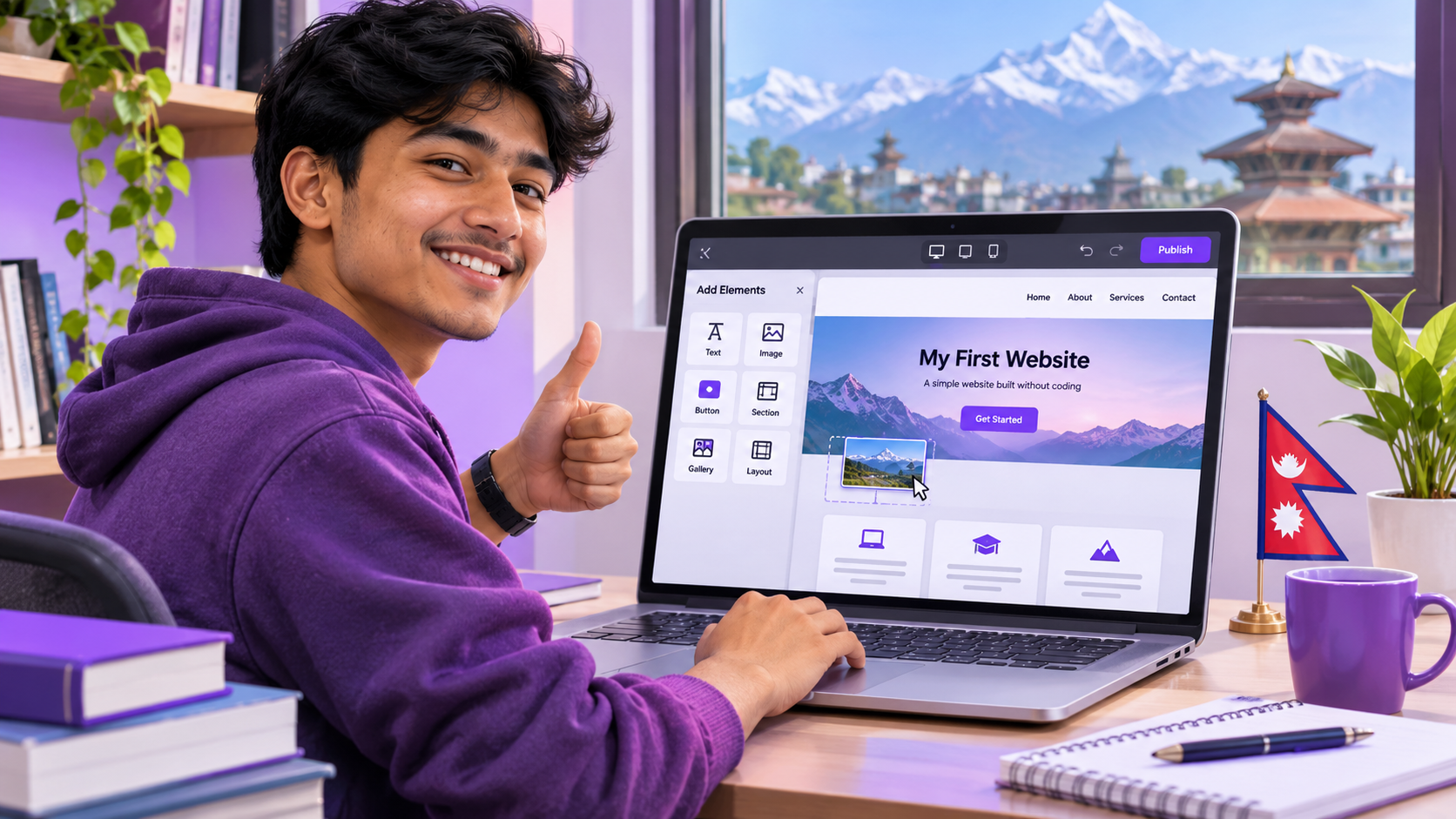
Learn how to build a website for free without coding in this beginner-friendly 2026 tutorial using Google Sites. Design pages, add images and publish your first site online.
If you are wondering how to build a website for free without coding, you can start today. Whether you’re a student preparing a school project, building a portfolio or starting a blog, you can create a website without writing code. Modern website builders give you templates, text blocks, image galleries and simple publishing tools.
In this Nepal eNotes guide, we’ll compare beginner-friendly platforms and walk through the process of creating a website with Google Sites.
1. What Is a Website?
A website is a set of webpages available through the internet. For example, Nepal eNotes shares educational resources; a portfolio website can show your skills, school projects and achievements.
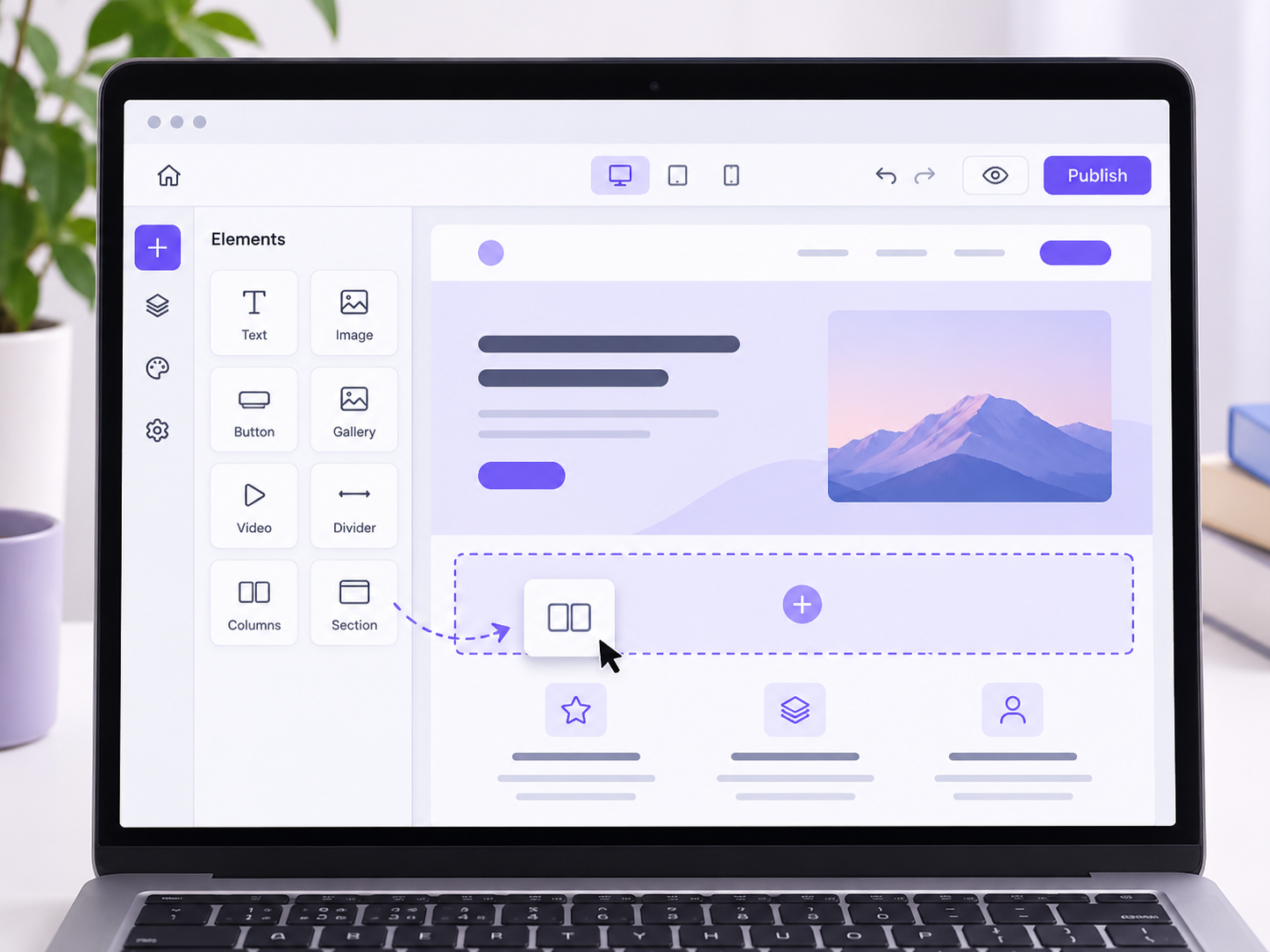
You don’t need to know programming to start with a simple website. No-code builders let you add sections visually and arrange them using an editor.
2. Best Free Website Builders for Beginners
Here are four popular tools. All have a way to get started for free, but advanced features and custom domains may cost extra.
Google Sites
Great for student projects, simple portfolios and club information pages.
Free with a Google account; limited advanced customization.Wix
Template-based builder for portfolio and introductory business websites.
Free websites carry Wix branding; custom domains require a paid plan.WordPress.com
Useful for publishing articles, updates and regular blog posts.
Free plan uses a WordPress.com address; upgrades add features.Carrd
Good for personal landing pages, online profiles and link pages.
Some features, including custom domains, need a paid plan.3. How to Build a Website for Free Without Coding: Google Sites Tutorial
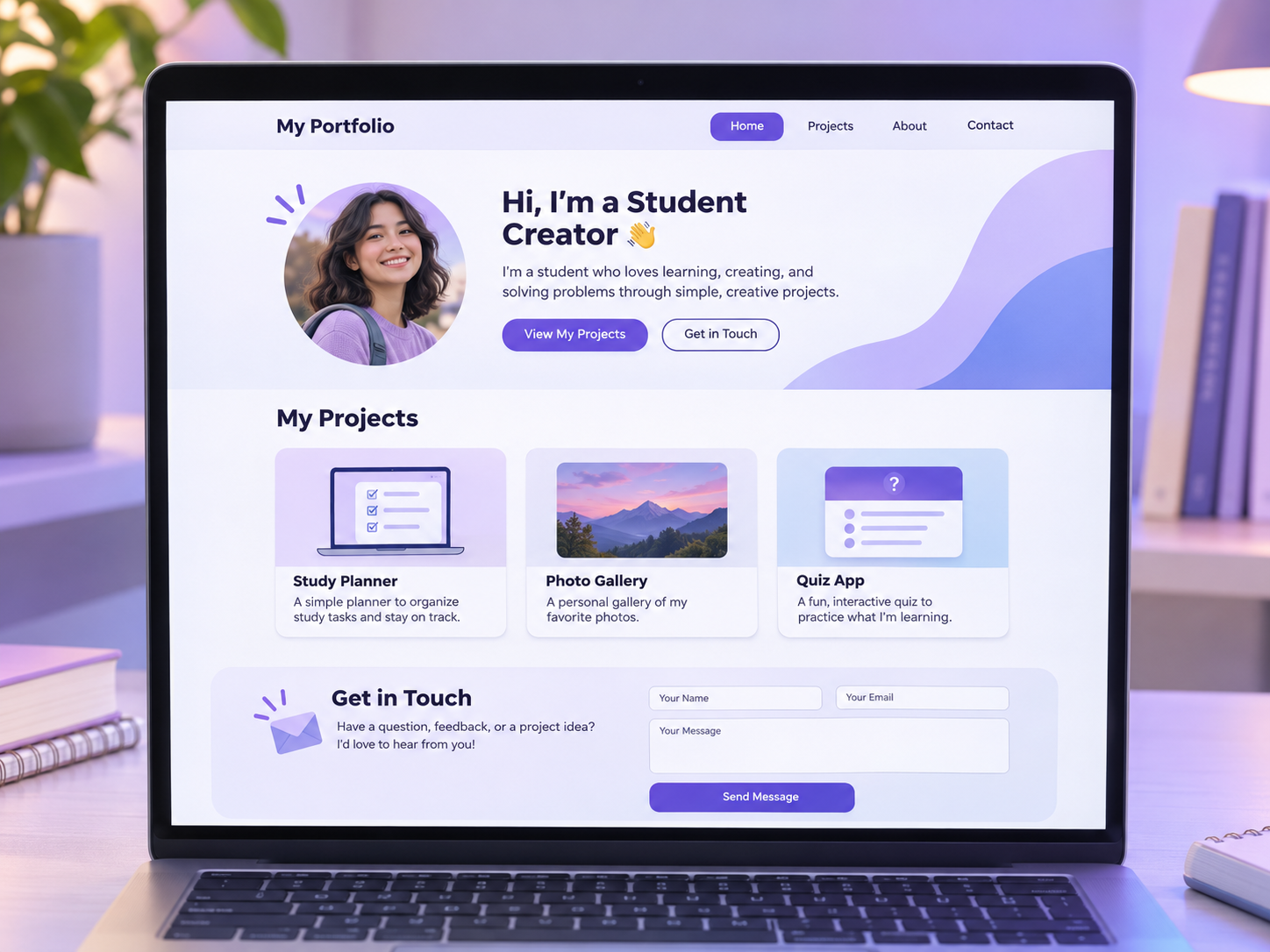
Here is how to build a website for free without coding by making a basic student portfolio with a homepage, projects page and contact information.
Open Google Sites
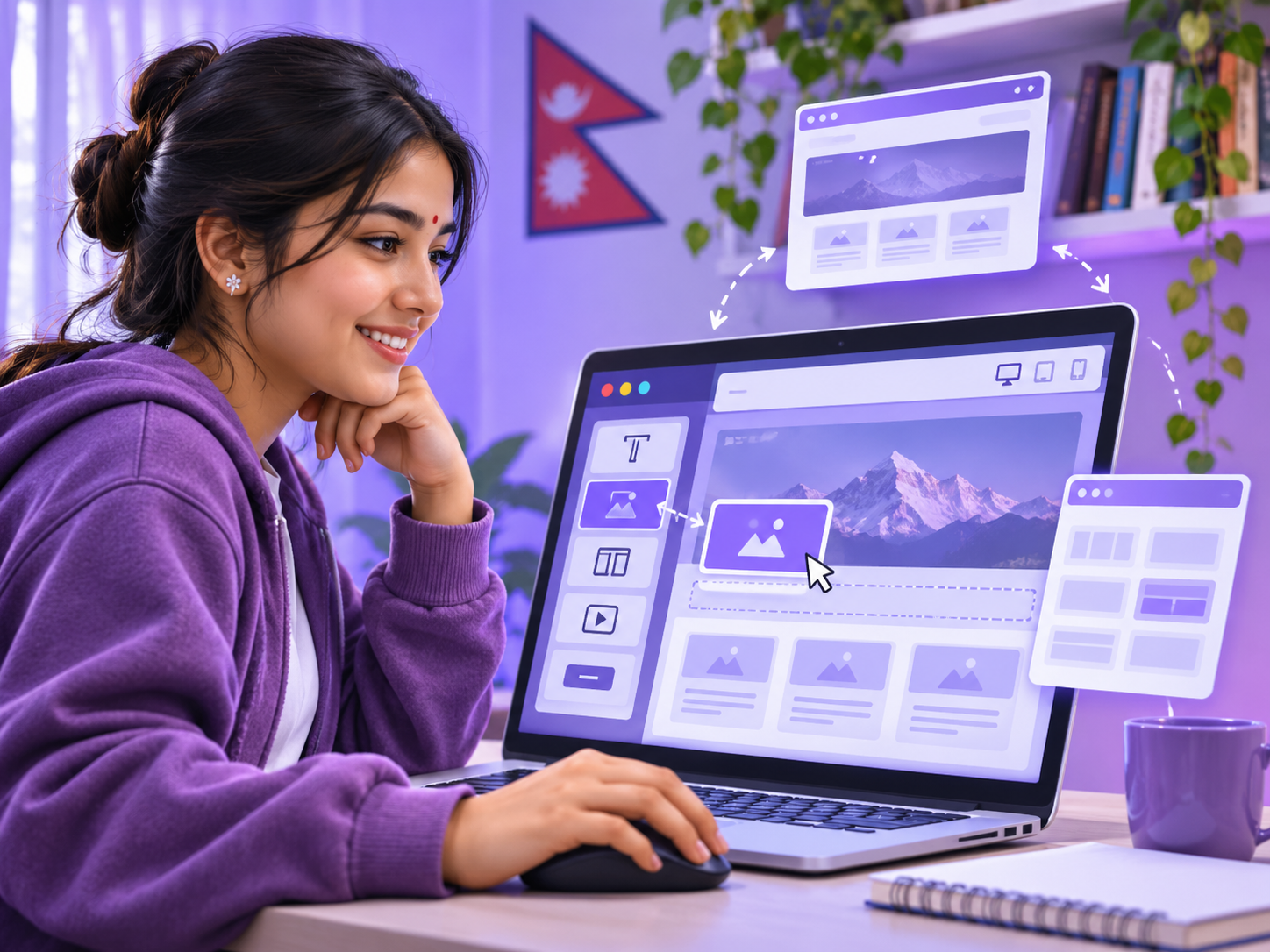
Visit sites.google.com and sign in with your Google account. Choose Blank or an available template.
Choose a website name
Use a clear name such as My Student Portfolio or Science Project Showcase.
Design your homepage
Add a heading, a short introduction and a relevant image. For example: “Hello! I’m a student from Nepal interested in science, creativity and technology.”
Add more pages
Open the Pages panel and add About Me, My Projects and Contact. Keep private personal information off the public website.
Customize your theme
Use the Themes panel for consistent colors and fonts. Add images, text blocks, buttons and layouts through the visual editor.
Preview your website
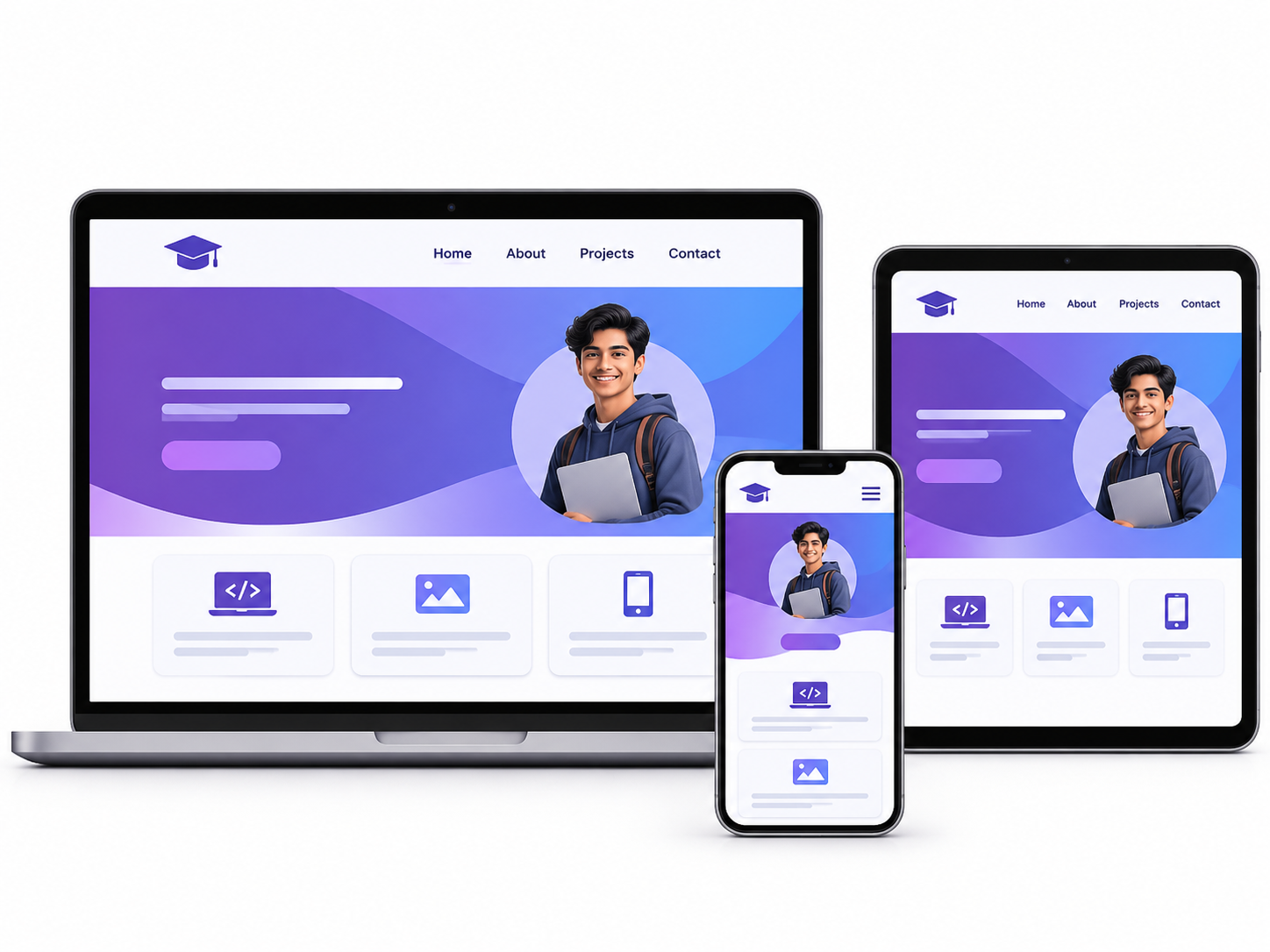
Use Preview and inspect desktop, tablet and phone layouts. Test links, proofread and check image quality.
Publish your website
Click Publish, choose an available address and review the site’s visibility settings. Your website is ready to share!
4. Do You Need to Buy a Domain Name?
No. Free builders normally provide a platform-hosted web address. A Google Sites site may use an address similar to sites.google.com/view/my-student-portfolio. Other platforms offer subdomains such as yourname.wordpress.com.
A personalized domain such as yourname.com generally costs money, and connecting it may require a paid website-builder plan.
5. Five Website Ideas for Students
Personal Portfolio
Display achievements, certificates, creative work and projects.
School Project
Present a science experiment, research or classroom assignment.
Educational Blog
Share original explanations, revision tips and study resources.
Photography Gallery
Showcase your photographs, art or design work.
Student Club Website
Share events, member projects and announcements.
6. Common Website-Building Mistakes
- Too many colors: use two or three consistent colors.
- Unclear navigation: keep page names simple.
- Ignoring mobile: preview on smaller screens.
- Copying content: use original material or properly licensed content.
- Publishing personal data: protect your address, phone number and sensitive details.
- Broken links: check buttons and pages before sharing.
7. Can You Earn Money from a Free Website?
Potentially, but earnings are not guaranteed. A website can help you display freelance services, showcase projects, promote legitimate products or build an audience. Advertising, online payments and monetization features often have platform-specific restrictions or paid-plan requirements.
For your first website, focus on learning, publishing quality content and building useful skills. Once you understand how to build a website for free without coding, you can explore more advanced tools as your projects grow.
8. Frequently Asked Questions
Can I really create a website for free?
Yes. You can create a basic website with a free plan on several platforms. Optional domains and advanced features can cost extra.
Do I need to learn HTML or CSS first?
No. Visual builders let you create a basic site without coding, although coding offers more flexibility later.
Can I build a website from my phone?
Some services support mobile editing, but the experience varies. A computer is recommended for this Google Sites tutorial.
Will my website automatically appear in Google Search?
Not necessarily. Public websites may be eligible for indexing, but publication does not guarantee indexing or search rankings.
Can I edit my site after publishing?
Yes. You can return to the builder, make changes and publish them according to the platform’s workflow.
- Your homepage explains what the website is about.
- Every page and button works.
- Your images have descriptive alternative text.
- The design looks good on mobile.
- No private information appears publicly.



Discussion
Share a helpful question, idea, or explanation with other students.